
FreeCAD learning path
FreeCAD is a free, open-source parametric 3D CAD application with constrained 2D sketching and technical drawing tools. In AEC, its dedicated BIM workbench supports building-element modeling, while other workbenches help develop custom components and drawings. It offers a practical introduction to editable geometry, dimensions and model-based design.
Learn editable modelling through small, measurable exercises. Start with Lesson 1, then continue to Lesson 2 using a copy of your saved project.
Your lessons
Lesson 1: Your First Plate
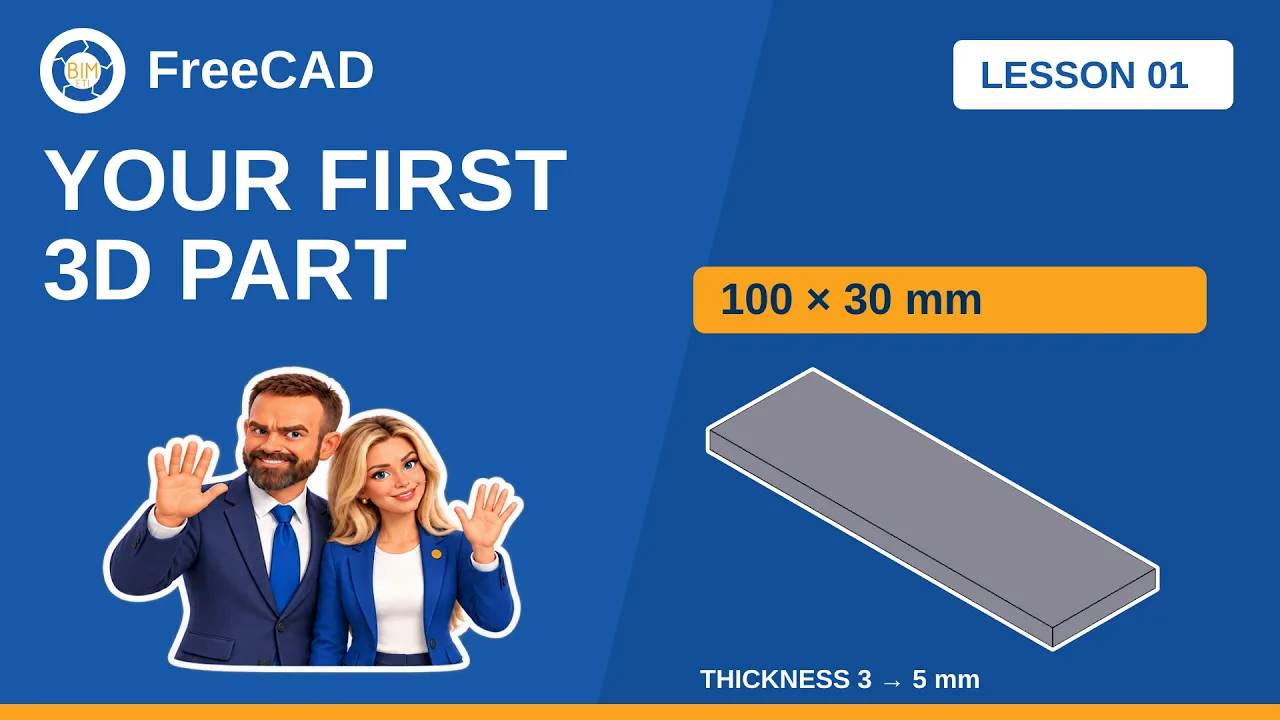
Available now · Beginner · English. Create a 100 × 30 mm plate and change its Pad thickness from 3 mm to 5 mm.
Lesson 2: Add and Resize a Through Hole

Available now · Beginner · English. Add a constrained hole, cut through the plate and resize the diameter from 6 mm to 8 mm.
Lesson 3: Coming soon
The next lesson is not yet available. No video or practice download has been published for this place.