Edition: 29 October 2026. Six developments selected for this English-language BIMETI briefing. The first three were released or announced on 26–27 October. The classification item is an October transition notice; the Assistant guidance is dated 15 October and the AU learning roundup 2 October. These are not six announcements made today. Vendor statements are attributed; proposed pilots and checks are editorial recommendations, not tests performed for this edition.
01. Revit 2026.5.1: test the whole production toolchain

Maintenance release · 27 October 2026
Autodesk released this cumulative update on 27 October. Its notes include fixes for IFC exports to network folders, IFC4 Reference View colors, and Revit becoming unresponsive during background PDF export. Cloud worksharing fixes include synchronization after a cloud model has been restored to a previous version. These are practical issues affecting exchanges, drawing delivery, and project recovery, rather than headline modeling features.
The deployment caveat matters just as much. Autodesk says the update introduces changes based on .NET 10, which may affect other products and add-ins. It identifies updated versions of the Roombook family of tools and Revit Admin Add-Ins Manager as necessary for those products to function properly. The update does not support uninstalling back to the previous Revit state.
Our recommendation: resist a blanket office-wide rollout before testing. Build a short acceptance checklist around your actual work: open a representative project, exercise critical add-ins, export your required IFC and PDF deliverables, and test an approved collaboration workflow. Record the installed build and the result. A patch that fixes one delivery problem is useful only if your complete production toolchain remains dependable.
02. Pirros Library Builder: recommendations need human approval

Announcement · 26 October 2026
In its 26 October announcement, Pirros introduced a system that organizes existing details by building system, groups similar conditions, and recommends candidates for standardization. It uses UniFormat II classification and provides coverage scores to show where a firm's standards are strong or incomplete. Recommendations are refreshed weekly as the library changes.
The key limitation is also the right governance principle: the firm makes the final decision. Reuse frequency and drafting health help prioritize review; they do not establish that a detail is technically suitable for every application. A clean drawing can still require different specifications, interfaces, or design assumptions on another project.
For a BIM manager, this could shift a standards meeting away from searching folders and toward reviewing actual candidates. Our suggested pilot is one building system and a named technical reviewer. Record why each detail is accepted, revised, or rejected. Measure the time needed to reach a decision, not merely the number of recommendations generated. That creates evidence for whether the workflow improves your library rather than simply making it bigger.
03. BIMit 2.1: check permissions before connecting AI

Release · 27 October 2026
The 27 October release organizes 112 tools into packages and adds visibility into recent AI actions. The official product page lists Revit 2021 through 2026. Through a local MCP connection, a compatible AI application can use enabled tools for activities such as reading model information, handling parameters, and exporting sheets.
Do not assume every edit waits for your approval. The guide states that Write is the default level and ordinary AI model edits can occur without a confirmation prompt. Team actions, such as synchronizing with central, require a separate level and approval in Revit.
Our starting point would be Read mode, a non-sensitive test model, and only the packages needed for a defined exercise. Inspect the activity log and verify results before increasing access. Also distinguish a local connection from local AI processing: BIMit's privacy policy says prompts and model data read by a cloud AI application go to that application's provider. A locally running model is a different configuration. Technical access and permission to share project information are separate decisions.
Official source · Product information · AI and permissions guide · Privacy policy
04. Takeoff classification migration: a refresh can succeed with missing data
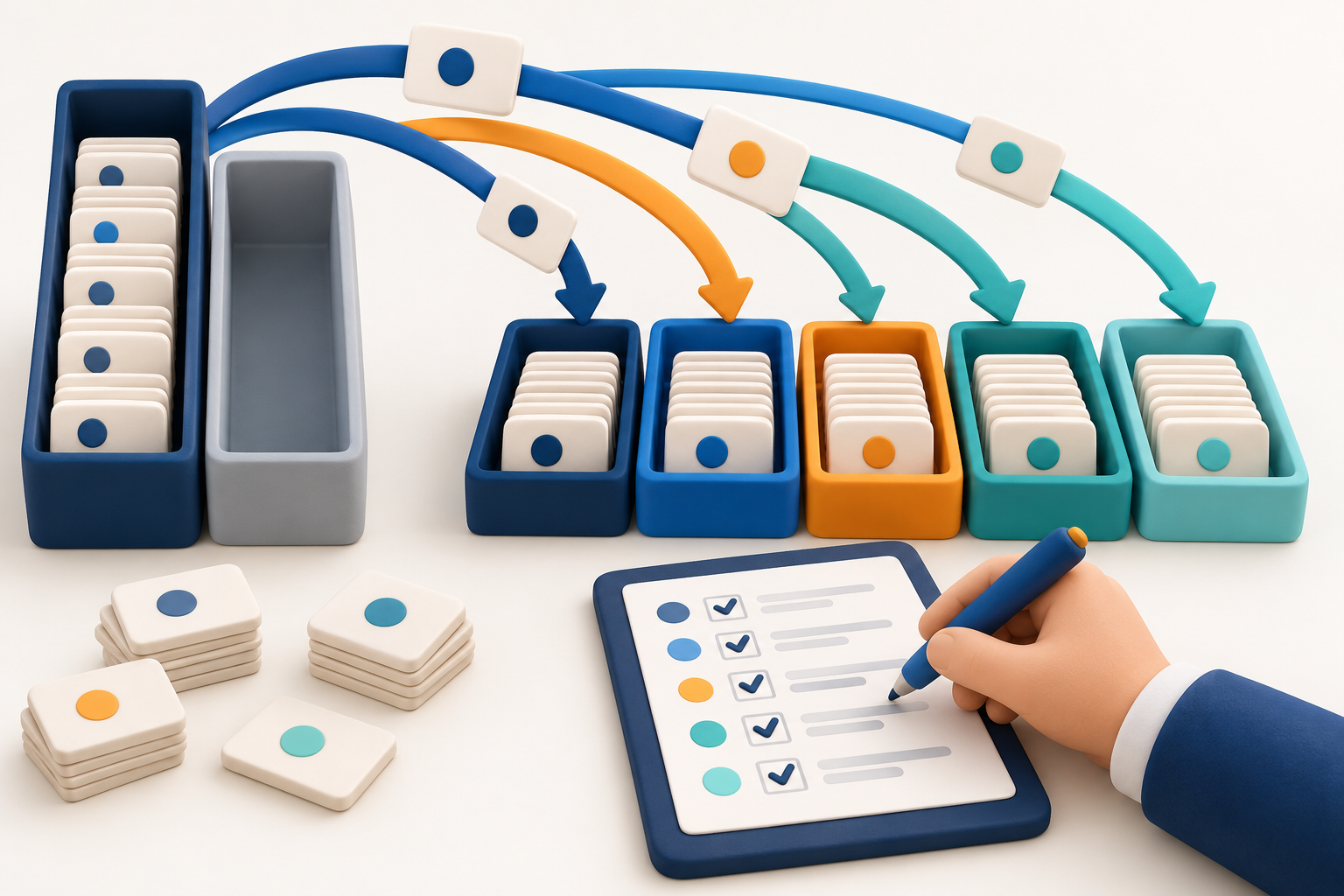
October 2026 transition notice · publication day unspecified; dates may change
This is an October transition notice, not a feature announced this morning. Autodesk says projects created from 15 October use a new classification model. Existing projects are scheduled to start converting from 30 November, with support for deprecated classification fields ending on 29 January 2027. Autodesk notes that dates may change.
The new model supports up to five classifications per item. Names and codes move to a shared Classifications service group. The risk for reporting teams is that legacy fields can become empty without causing an extraction error. A successful refresh is therefore not proof of a correct dashboard.
There is another trap: numbered classification columns do not consistently represent the same classification system across rows. Autodesk instructs teams to resolve the structure and group by that structure, rather than treating column position as meaning.
Our action item is to inventory affected extracts now. Test a new-model project alongside a legacy project, verify classification coverage, and reconcile totals against an independent check. Assign an owner to the migration before a client report loses context. This is data maintenance with a direct commercial consequence, not just an API detail.
05. Assistant updates: older guidance with an ongoing operational impact

Earlier operational guidance · 15 October 2026
A 15 October notice says that, starting with Revit 2027.2, Assistant can receive targeted updates independently of the main Revit release cycle. For the initial release these updates are automatic; management controls are described as planned, not already available.
The same notice adds the ability to remove schedule filters, grouping, and sorting. It also reports fixes for incorrect unit reporting and a graphics problem where Assistant could claim a transparency change was applied when it had not been.
The management implication is straightforward: the desktop application's version is no longer the whole story when investigating a changed AI workflow. Our suggested response is a small, repeatable acceptance test. Ask the same controlled question about units, perform a schedule operation on a test view, and inspect the actual model result. Keep the date and observed behavior with the test record. Especially with model-editing AI, a confident completion message should never replace checking the deliverable.
06. AU learning: turn recordings into a reusable team outcome

Earlier learning roundup · 2 October 2026; not a new software release
For our learning roundup, Autodesk's 2 October article points to available AutoCAD sessions on demand. Relevant selections include connected project data, AI-assisted AutoLISP and .NET development, and a session on specification-driven AutoCAD and Revit plug-in development. These are learning resources, not new software releases today.
The practical opportunity is to link training to a real production problem. A CAD manager might choose connected references and support files. An automation team might focus on reviewing generated code and separating business rules from platform APIs.
Our recommendation is one session, one small exercise, and one reusable output: a checklist, a tested routine, or a short internal standard. Verify any demonstrated capability against the software and licenses your team actually has. A roadmap presentation is not a promise that a feature is available in your installation. The goal is not to accumulate viewing hours; it is to improve a workflow your colleagues use next week.
Practical takeaway
Test the Revit patch, keep standards approval human, control AI access, prepare reporting migrations, verify Assistant behaviour, and turn learning into practice. Check actual product, package and licence availability and your firm’s data policy before acting. The six original clay illustrations come from this edition’s video and are conceptual, not software screenshots or evidence of completed tests.
Watch this edition