Identity Before Agentic BIM
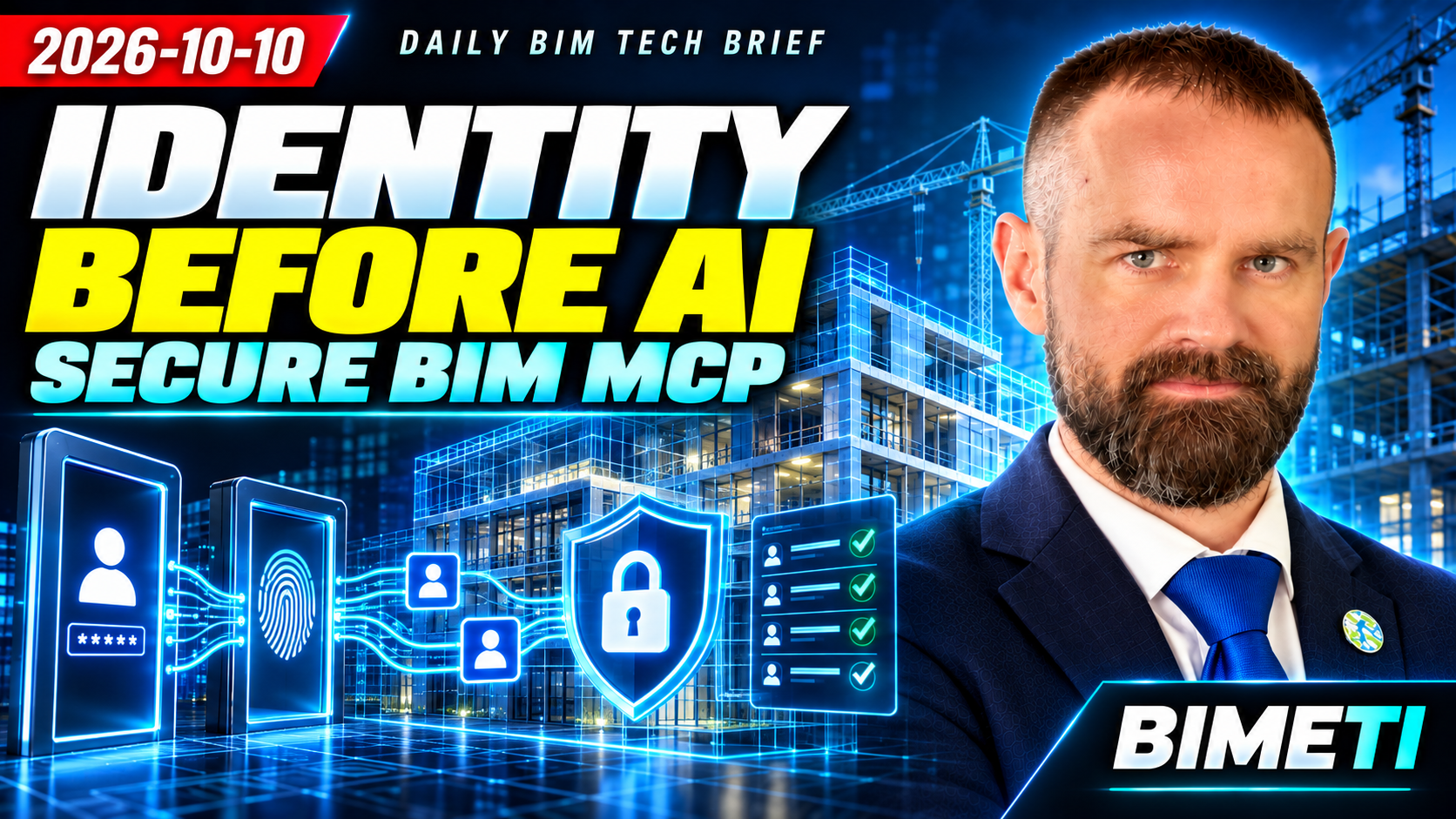
Edition: 10 October 2026 · Category: BIM News
This archived edition preserves the original briefing and its practical analysis. Edition date and underlying announcement dates are different. Product status and reported figures reflect that dated source material, not fresh testing. Conceptual illustrations are original video artwork, not product screenshots.
APS MCP: two authentication boundaries

Scope clarification from the original factual review: the external client authentication layer applies to remote HTTP servers; local STDIO relies on local process privileges. Governed 2LO/SSA service identities are valid patterns—the concern is untraceable shared access, not a blanket ban on service accounts.
Autodesk published official guidance for authentication patterns in Autodesk Platform Services MCP servers on October ninth. It separates two independent boundaries. The AI or MCP client authenticates to the MCP server, while the MCP server authenticates separately to Autodesk Platform Services. A token from one boundary must not be passed through the other. For a remote HTTP server, Autodesk recommends an external identity provider with OpenID Connect and JWKS-based token validation, or an OAuth proxy. On the APS side, the guidance describes four principal choices: two-legged OAuth, Secure Service Account, three-legged OAuth and PKCE. Autodesk also requires a stable subject identifier. If the subject is missing, the request should be rejected.
This is not merely a programming detail. Agentic BIM connects human intent, AI interpretation, project data and potentially a write operation. If client identity, server identity and APS permissions are blended together, the audit trail can no longer answer reliably who read or changed what. The practical response is to draw both authentication boundaries, separate read and write tools, prohibit token passthrough, and record the stable subject identifier, project identifier, model revision and every tool invocation.
Sources retained in the original edition: https://aps.autodesk.com/blog/authentication-patterns-aps-mcp-servers
Procore Europe Application Zone: follow the whole data journey

Procore launched its Europe Application Zone on October fifth. The service hosts, processes and delivers the Procore application and its data in Europe. Procore states that application data, including metadata, logs, RFI text, directory information and database records, is stored and processed in the region. The Europe Zone complements the existing United Kingdom Zone.
Regional hosting can reduce procurement, security-review and latency barriers, but it does not automatically prove that the entire data chain remains in one region. Integrations, analytics, backups and AI services may follow separate data movement rules. Before migration or purchase, create a data-flow map covering primary records, files, logs, backups, integration data and AI prompts, along with subprocessors, export routes and deletion procedures.
Sources retained in the original edition: https://www.procore.com/whats-new/eu-application-zone
Revizto: object-level data and APIs
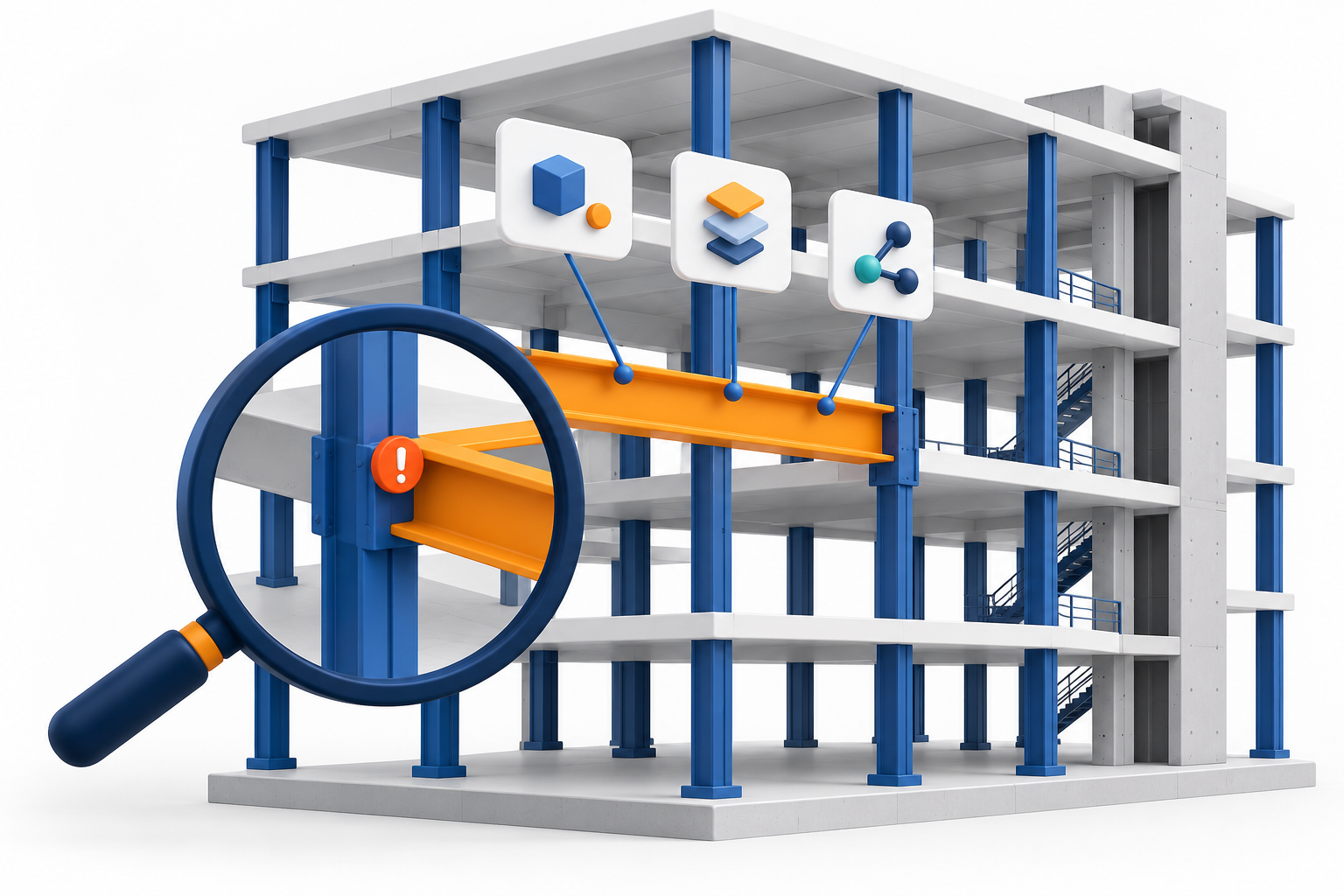
Revizto announced on October first that its API can directly query model, element and clash data. The company describes access to object metadata, fire ratings, material specifications, system types, quantities, clash coordinates and full issue context. It also introduced a Power BI connector. The vendor’s statement that the data is live rather than stale should be treated as a claim to validate against the organisation’s actual synchronisation process.
A coordination platform can therefore become more than an issue register. It can serve as a controlled source of object-level data for analytics, quality assurance and agents. At the same time, dependency on stable identifiers and the API permission model increases. For a pilot, select one model and test element identifiers, clash coordinates, parameter completeness, update latency, pagination and permission filtering. Compare the result with both the authoring model and the Revizto interface, not only with a Power BI report.
Sources retained in the original edition: https://revizto.com/resources/blog/automate-revizto-api-exports
BIMcollab: IDS types and connector compatibility

Source-date clarification: the connector notice is dated 8 October; the separate viewer update is dated 5 October. The explicit notice refers to users of connector 7.2.12, without establishing an invented minimum replacement version.
BIMcollab added IDS data-type support for properties in specifications in its October first release. On October fifth, spaces in WebViewer became permanently transparent and the object-type label spacing was corrected. More urgently, the official release page says that users of Navisworks BCF Manager version 7.2.12 must upgrade to maintain connectivity after October nineteenth.
IDS data types reduce ambiguity between text, numbers, Boolean values and dates. The connector deadline exposes a different risk: an openBIM process still depends on specific integration versions. Inventory Navisworks BCF Manager versions immediately, schedule the upgrade, and run regression tests for BCF issue creation, synchronisation, comments, viewpoints and permissions. In IDS libraries, declare data types explicitly and keep both valid and invalid IFC test values.
Sources retained in the original edition: https://helpcenter.bimcollab.com/en/articles/326485-release-notes
Solibri Superrun: repeatable QA has an execution cost

Solibri version 26.9.0, released on September twenty-ninth, introduced Superrun. It lets teams visually compose repeatable quality-assurance workflows that open models and rulesets, run checks, create presentations and snapshots, export BCF or Excel, and save the project. Superrun is available with the Premium plan, and each execution costs three hundred Solibri Tokens. The release also improves result visualisation and accessibility, while property checks distinguish more precisely between missing and empty values.
No-code orchestration can standardise checks and remove manual steps, but token-based execution turns quality assurance into an economic decision as well. Before scaling it, measure the duration of one run, token consumption, human time saved and the cost of false results. For critical projects, retain the versions of rulesets, models and Superrun workflows together with an approved reference result.
Sources retained in the original edition: https://www.solibri.com/articles/solibri-release-notes-september-2026
Dalux: mobile evidence and role visibility
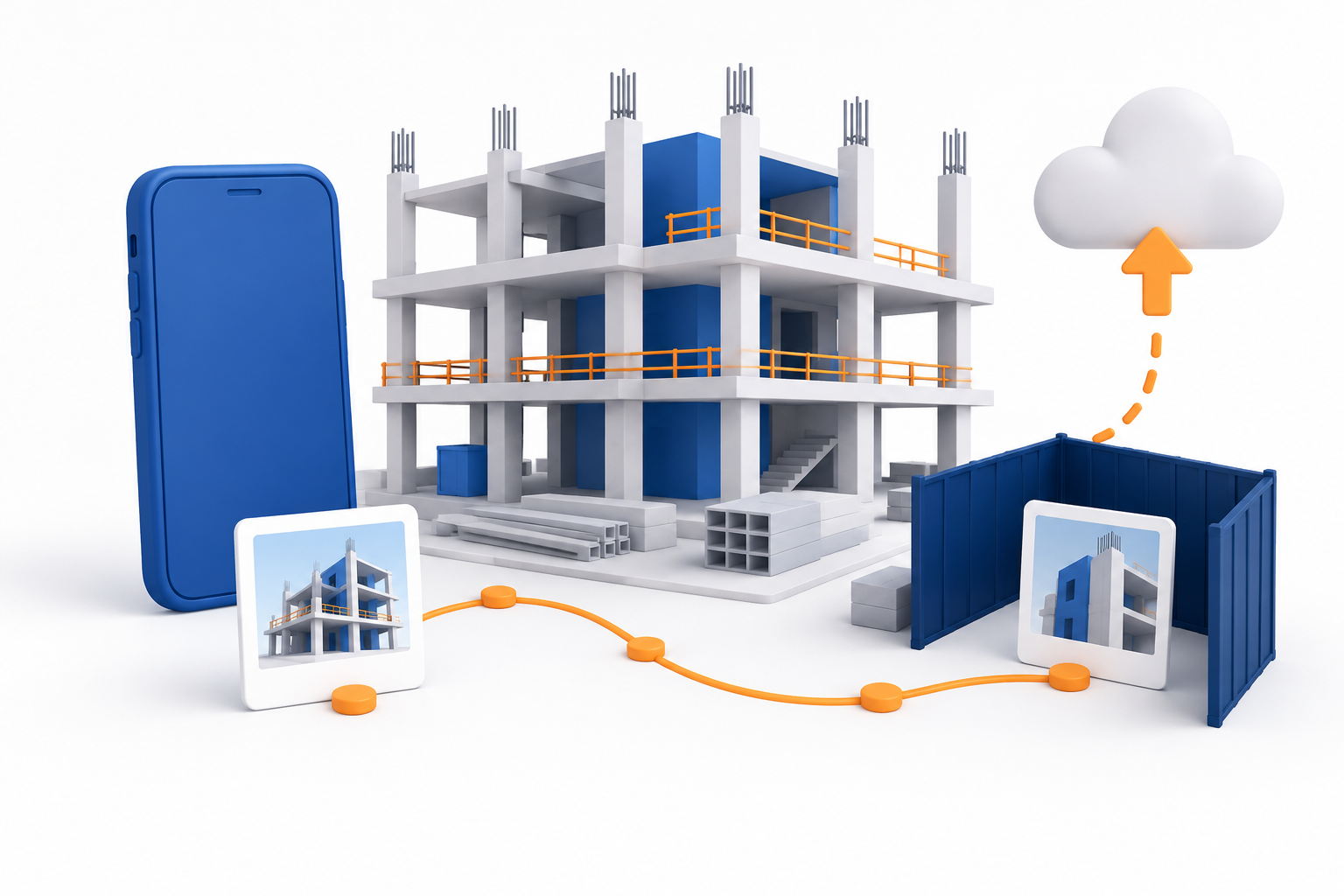
Dalux version 2026.6 changed several mobile site and facilities-management workflows. In Field, SiteWalk coverage display was revised, the maximum recording length increased to ten minutes and failed uploads now provide clearer feedback. InfraField can create tasks and checklists from the map. Work-order messages can include internal files or images that are hidden from the supplier. Dalux also updated FM key performance indicators, location check-in and mobile processes, and published a new Revit plugin.
Small mobile-interface changes can affect the completeness of evidence and accountability more than a prominent new 3D feature. Internal attachments especially require a clear visibility model: who can see the record, who cannot, and what remains in the audit history. Update short instructions for field teams, test ten-minute SiteWalk uploads under weak connectivity, verify internal attachment visibility and archive behaviour, and deploy the Revit plugin to a pilot group first.
Sources retained in the original edition: https://support.dalux.com/hc/en-us/articles/19497855907484-What-s-new-in-Dalux
Procore Workflows: accountable overrides and beta features

Edition clarification retained from the final video source: general availability was listed for 13 October, with mobile Step Override rolling out 6–13 October. Permissions and Resource Forecast were announced open betas.
Procore announced that Workflows will receive Step Override on web and mobile on October thirteenth. An override will require a reason, and the history will identify the person who performed it. Return and restart permissions also become more granular. Permissions and Resource Forecast are scheduled for open beta on the same date, so they must not be presented as fully mature production functions.
Override capability can prevent a stalled approval, but it also changes the accountability model. A robust workflow retains not only the final status, but also the original assignee, the override reason, the time and the exact document revision. Before enabling it, define who may override a step, which reasons are acceptable and which reports will be audited. Keep beta functions separate from critical project releases.
Sources retained in the original edition: https://www.procore.com/whats-new/workflows-keep-every-approval-moving ; https://www.procore.com/whats-new/permissions-a-redesigned-permissions-experience ; https://www.procore.com/whats-new/resource-forecast-see-your-capacity-not-just-rows-of-numbers
Multi-robot construction: human approval before execution

A preprint published on September twenty-second proposes a collaborative multi-robot construction system. A central controller turns a digital building representation into a construction relationship graph, selects a sequence of pre-programmed skills and replans when conditions change. An interactive digital twin lets a human review and approve the plan before execution. Evaluation covers one assembly case, so this is a research demonstration rather than evidence of production reliability.
The most valuable idea is not complete autonomy. It is the explicit chain from BIM representation to execution plan and human approval. A BIM object is not yet an executable instruction for a robot. The system still needs tolerances, access constraints, tools, safety zones and state feedback. In education, this is a useful case for distinguishing a product model, a planning graph and execution state. A practical pilot should begin in simulation, with one task class and a clear human stop or approve point.
Sources retained in the original edition: https://arxiv.org/abs/2609.25649
Analysis: identity architecture before intelligence
The daily analysis: agentic BIM needs identity architecture before intelligence.
AEC platforms are becoming databases, integration hubs and tool collections for AI agents at the same time. Autodesk’s MCP guidance makes one fact explicit: an agent is not a single identity. There is a person or client, an MCP server and the target AEC platform. Each layer has a separate trust boundary.
Many BIM integrations were previously designed as one trusted add-in with one API key. In an agentic system, the same server may serve many users, interpret natural-language requests and call several tools. Token passthrough, a shared service account or an ambiguous end user therefore becomes a systemic risk rather than a convenient shortcut.
The recommended chain begins with the user and client identity. It continues through MCP server authentication, a stable subject identifier, an authorised tool, separate APS or CDE authentication, project-specific permissions, an audit record and human approval for a write operation.
The largest opportunity is safe work with real project context. Revizto object data, Procore workflows and other APIs can become verifiable tools rather than conversational context alone. Procore’s regional zone may simplify data-residency assessment for European projects. Solibri Superrun and similar deterministic checks can verify an agent’s output before publication.
The risks are equally clear. One shared service user hides the person who initiated an action. An excessively broad scope allows an innocent query to become a model or issue change. Passing tokens across boundaries creates audience and confused-deputy risks. An API object may belong to a different model revision from the CDE document visible to the user. Regional hosting does not cover every integration or AI service without separate verification. An open beta, a preprint or a vendor demonstration is not proof of production reliability. Automated checks also have direct token, API and operational costs.
For BIM managers, responsibility expands from model permissions to tool permissions. It is no longer enough to know who can open a project. The organisation must know which agent tool can read objects, create an issue, change a status, override a workflow or export data. The CDE audit should record the model and document revision, tool name and version, subject identifier, request time, result and approver.
For education, showing a working conversation with a model is no longer sufficient. A useful lab should require students to draw the identity boundaries, select an OAuth pattern, reject a token without a stable subject, compare read-only and write risks, and verify the agent’s answer against a deterministic model data source.
The practical next steps are these. First, inventory every AI and automation tool, its data sources, scopes and write permissions. Second, choose the client-to-server and server-to-AEC authentication patterns separately for every integration, and prohibit token passthrough. Third, map the stable user subject to a project identity and reject ambiguous remote requests. Fourth, begin with a read-only pilot using questions with known correct answers, while recording the model revision and every tool call. Fifth, add a diff, human approval, reversal or compensating action, and an immutable audit log for all writes. Sixth, test token expiry, permission revocation, service-account compromise, API failure and regional data-flow boundaries. Seventh, label every function by maturity: available, beta, preview, demonstration or research.
The conclusion is simple. Agentic BIM becomes trustworthy not when an agent receives more tools, but when the organisation can prove whose identity it used, which permissions it had, which model revision it consulted, what it changed and how the action can be verified or reversed.
Watch the edition: https://www.youtube.com/watch?v=Te2TLwOnE1w
Watch the original BIMETI Daily BIM Tech Brief — 10 October 2026. Archived edition; review the cited sources for details and later updates.