CDE Migration: Not Just Files
Edition: 11 October 2026 · Category: BIM News
This archived edition preserves the original briefing and its practical analysis. Edition date and underlying announcement dates are different. Product status and reported figures reflect that dated source material, not fresh testing. Conceptual illustrations are original video artwork, not product screenshots.
Autodesk Data Transitions: preserve historical context
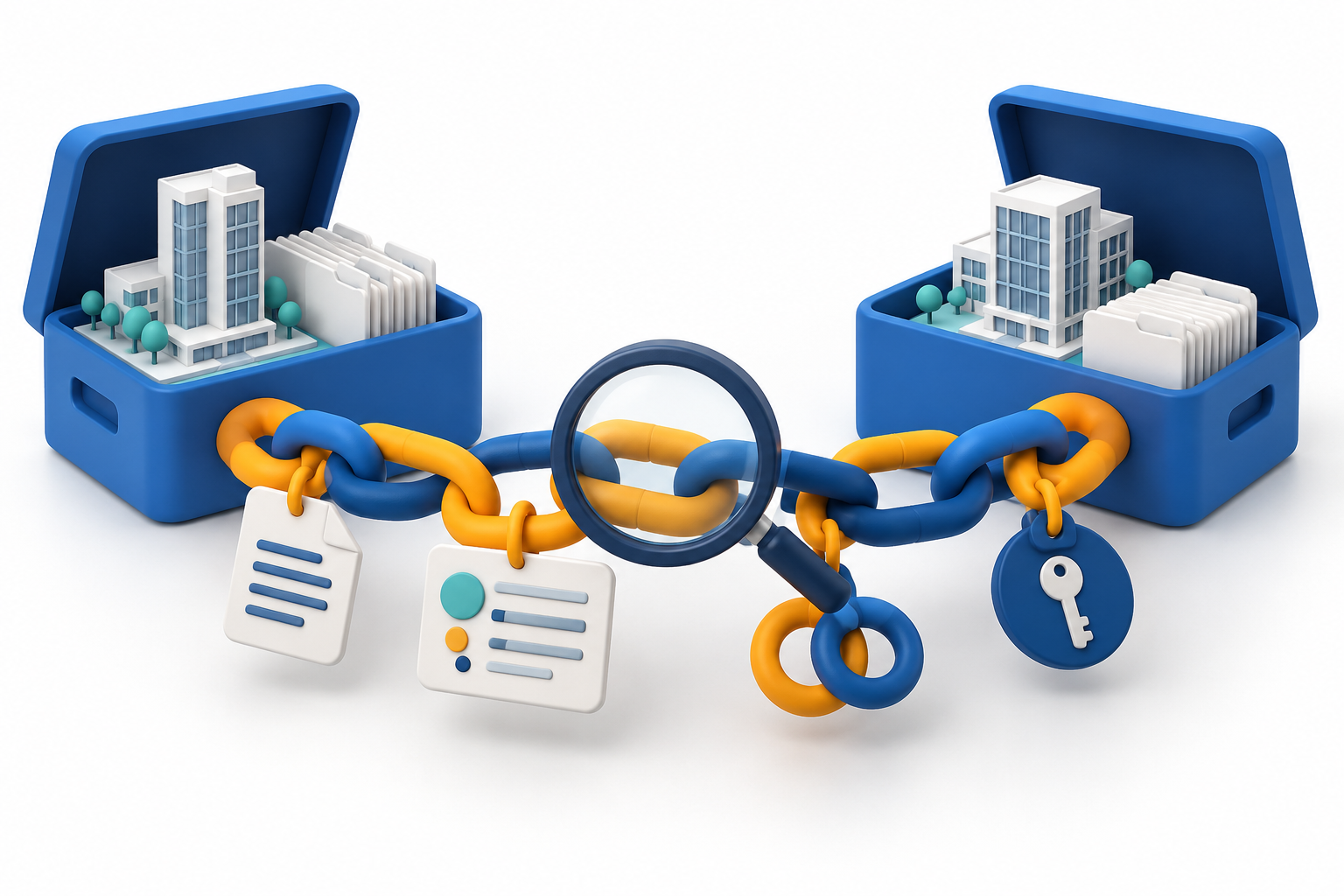
Fact. In the September release roundup updated on October first, Autodesk said that Data Transitions is generally available for moving supported information from eligible BIM 360 Next Gen and BIM 360 Field projects into Autodesk Forma. A hub administrator can import a historical project copy for preservation and, when needed, transition it into Forma Data Management. Access is still controlled at hub level.
The same release adds RFI, form and issue attachments to as-built and handover exports. An account can require a project template when a new project is created, while Revit levels and areas can be mapped automatically to the location breakdown structure. Synchronised issue pins between Revit two-dimensional and three-dimensional views are labelled beta, so they should not be treated as a universally available production feature.
Interpretation. Legacy CDE migration is becoming a governed information-continuity process. However, supported information is not the same as the complete original project context. Relationships, permissions, history, attachments and audit trails must be checked separately.
Action. Before migration, build an inventory by object type, count source records and attachments, record checksums, run a pilot import and compare not only files, but also statuses, links, authors, dates and access rights.
Sources retained in the original edition: https://www.autodesk.com/blogs/construction/?p=21792
Trimble Access 2026.10: traceable field measurement
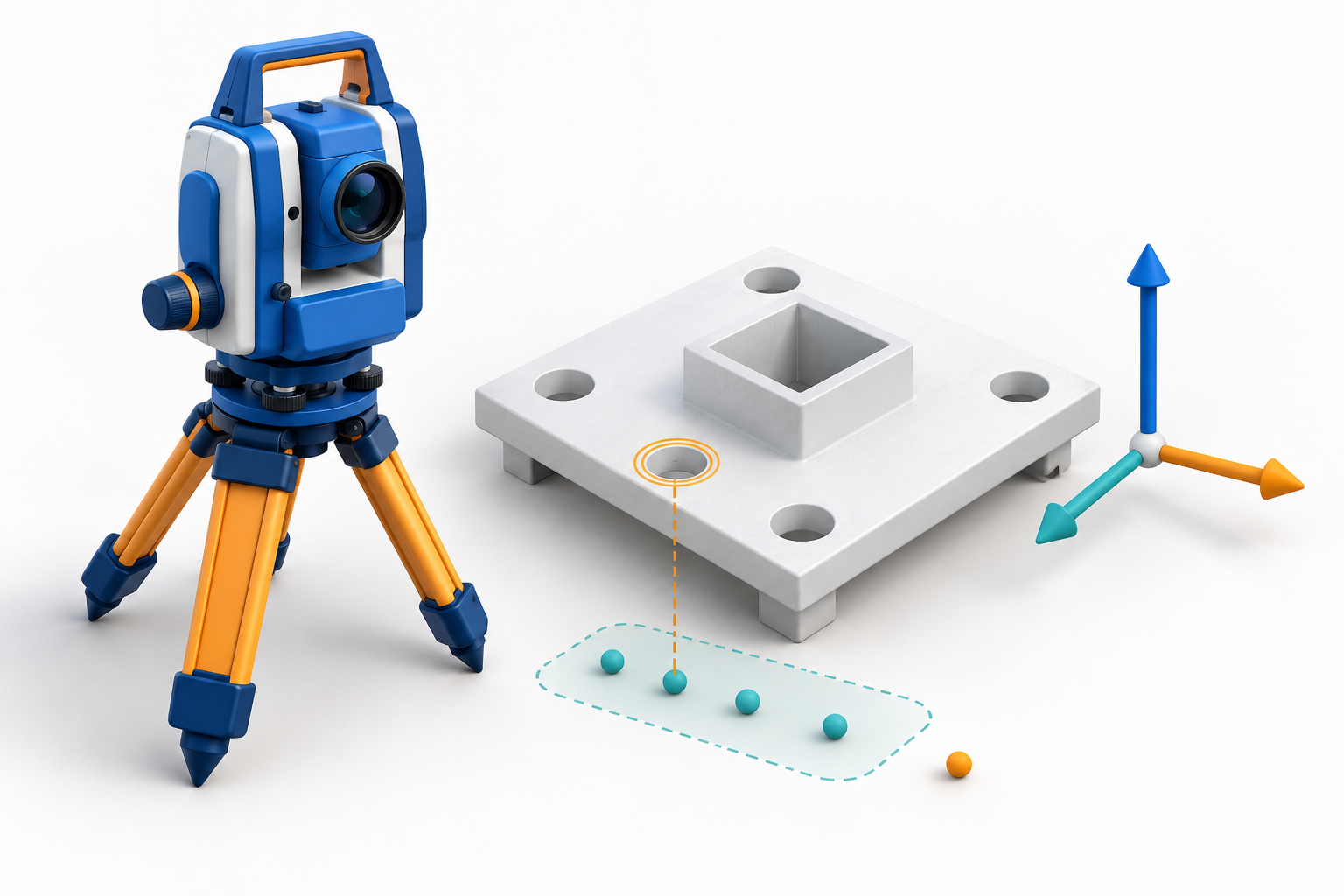
Fact. The release introduces a user coordinate system and deviation checking relative to an object. When measuring items such as bolt holes or plates, the software displays Delta X, Delta Y and Delta Z relative to the selected object. This capability belongs to the Object Oriented Setup licensed option.
For cloud projects, the first download now asks the user to choose a template for units, COGO settings and point and image naming. Trimble Connect downloads now preserve more details of site calibrations and custom coordinate systems, and the software shows a clear warning before overwriting a job already stored on the controller. Staked points can also be coloured according to whether they fall inside or outside the defined tolerance.
Interpretation. Field verification is moving closer to object-level feedback, but a wrong template, coordinate system or concurrently edited job copy can undermine the result before it returns to BIM or the CDE.
Action. Put the template, coordinate system, calibration, tolerances and owner of the active job copy into the measurement plan. Validate deviations on a controlled test object before wider deployment.
Sources retained in the original edition: https://help.fieldsystems.trimble.com/trimble-access-release-notes/en/2026.10.htm
RIEGL RiPROCESS 1.10: correction provenance matters

Fact. Released on October sixth, RiPROCESS 1.10 supports post-processed kinematic GNSS using correction data from multiple base stations and switches to the corrections with the shortest baseline. Control targets, or control information extracted from terrestrial laser scans, can be incorporated into RiLOC trajectory adjustment.
The new default RiVIEW two-dimensional and three-dimensional viewer displays trajectories, control objects, plane patches, voxels, camera poses and base stations. The release also supports the export of cloud-optimised GeoTIFF files.
Interpretation. The reliability of mobile and airborne LiDAR increasingly depends on documented trajectory, control and correction provenance, not only on the density of the final point cloud.
Action. Store the base-station list, trajectory and control reports, software version, coordinate system and quality-control views with the point cloud. Define acceptance thresholds before BIM modelling begins.
Sources retained in the original edition: https://www.riegl.com/en-usa/news-insights/article/riegl-riprocess-110-release-notes
NavVis VLX 4: resolution is not accuracy
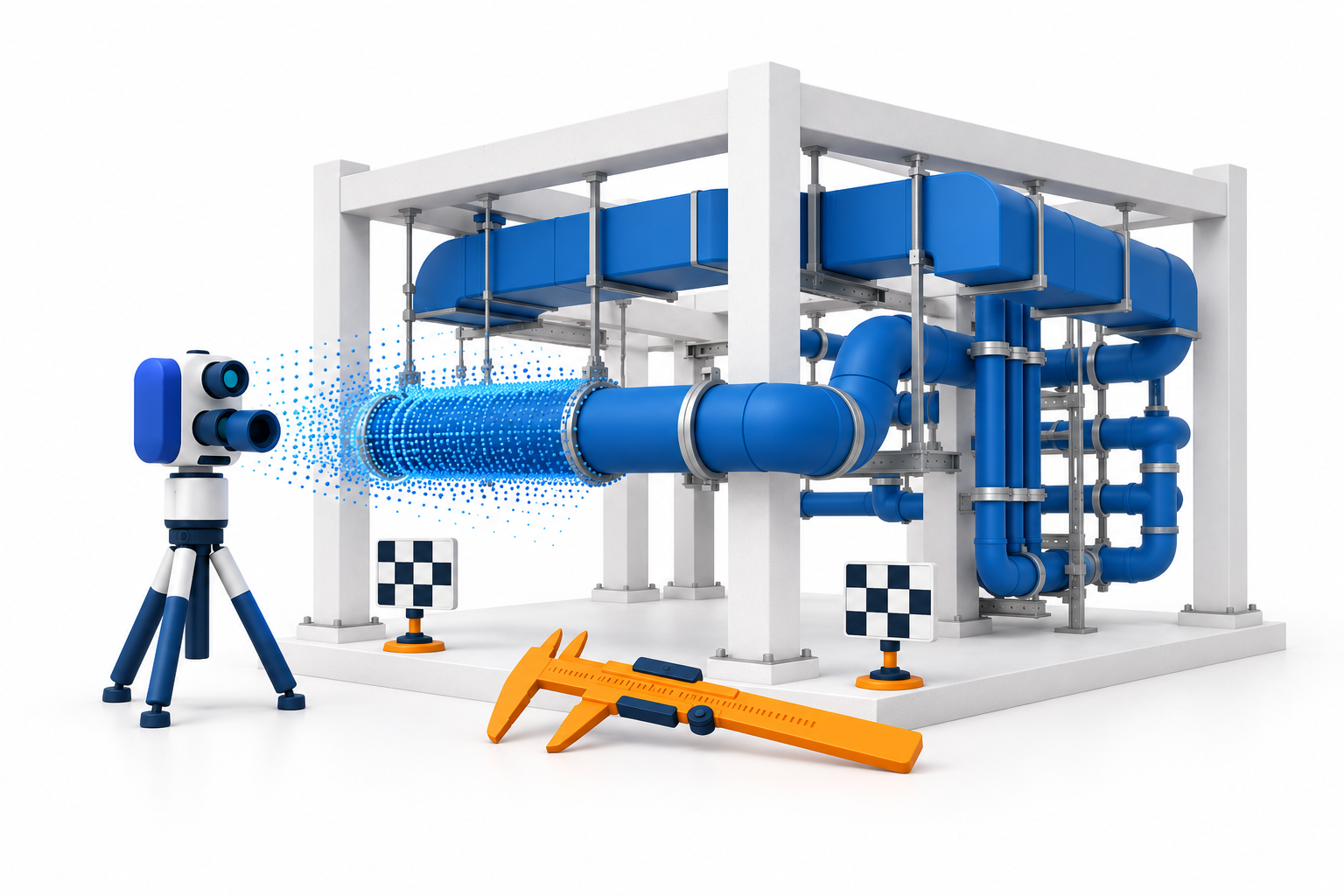
Fact. NavVis introduced the wearable VLX 4 on September fourteenth with a three-LiDAR configuration and a manufacturer-stated native point-cloud resolution of three millimetres. The company positions the device for LOD three hundred and fifty plus, MEP and industrial Scan-to-BIM work. Data is integrated with IVION and can be exported to BIM and CAD tools.
Interpretation. Resolution is not the same as absolute accuracy or guaranteed fitness for modelling. Results still depend on trajectory, surfaces, occlusion, registration, control and the tolerances of the intended use. An LOD label also does not prove geometric compliance with a particular exchange information requirement.
Action. Evaluate the device on a representative MEP zone. Compare it with trusted control points, measure completeness and noise, determine which features can be modelled reliably, and only then revise the Scan-to-BIM specification.
Sources retained in the original edition: https://www.navvis.com/blog/introducing-navvis-vlx-4-a-breakthrough-in-dynamic-reality-capture-delivering-exceptional-detail-at-speed
IFC 4.4: an approved project plan is not a published standard

Fact. On September fourth, the buildingSMART Standards Committee reported that the IFC 4.4 integration project plan for ISO submission passed with fifty votes in favour and four against, or ninety-three per cent support. On the same date, the IFC X Core and Modularisation project plan passed with seventy-one point four per cent support.
These votes authorise development to continue; they are not publication of final standards. The IFC 4.3.2.0 documentation build dated October eighth on the official server is still clearly marked as a Working Draft.
Interpretation. Organisations should prepare for the evolution of IFC, but they should not cite IFC 4.4 or development documentation in production requirements as if it were already an approved exchange standard.
Action. Separate four states in the technology register: approved project plan, working draft, final buildingSMART standard and ISO standard. Keep production EIR and BEP documents tied to approved releases, and test future versions only in a separate laboratory environment.
Sources retained in the original edition: https://www.buildingsmart.org/resources/domain-news/ ; https://standards.buildingsmart.org/IFC/DEV/IFC4_3/HTML/content/introduction.html
Standard AIA 2026 and IDS4ALL: machine-checkable requirements
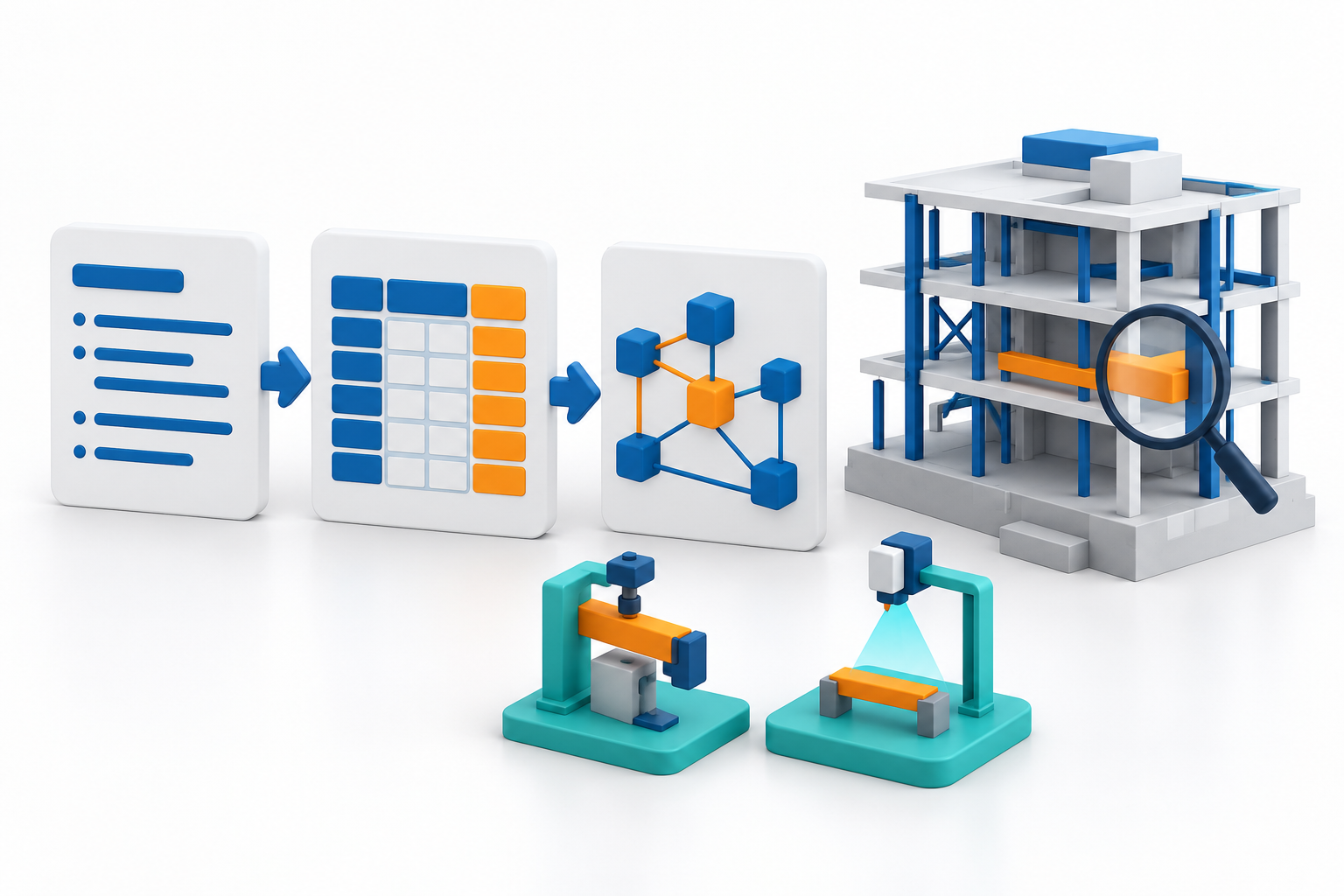
Fact. The buildingSMART Austria openBIM KnowledgeBase publishes the revised Standard AIA 2026 for structured client information requirements aligned with ISO 19650 and related normative developments. The same platform offers IDS4ALL, a converter that turns information requirements stored in Excel files into IDS files.
Interpretation. Converting requirements to IDS can reduce differences in interpretation, but the spreadsheet structure and terminology become a software interface. Untidy names or undefined values merely automate ambiguity.
Action. Convert one real information-requirement set into IDS, test it in at least two checking tools, and record the rule owner, version, classification source and approved exceptions. For education, students can compare a human-readable EIR, the spreadsheet and the resulting IDS.
Sources retained in the original edition: https://openbim-knowledgebase.org/en/
Building renovation plans need governed asset data
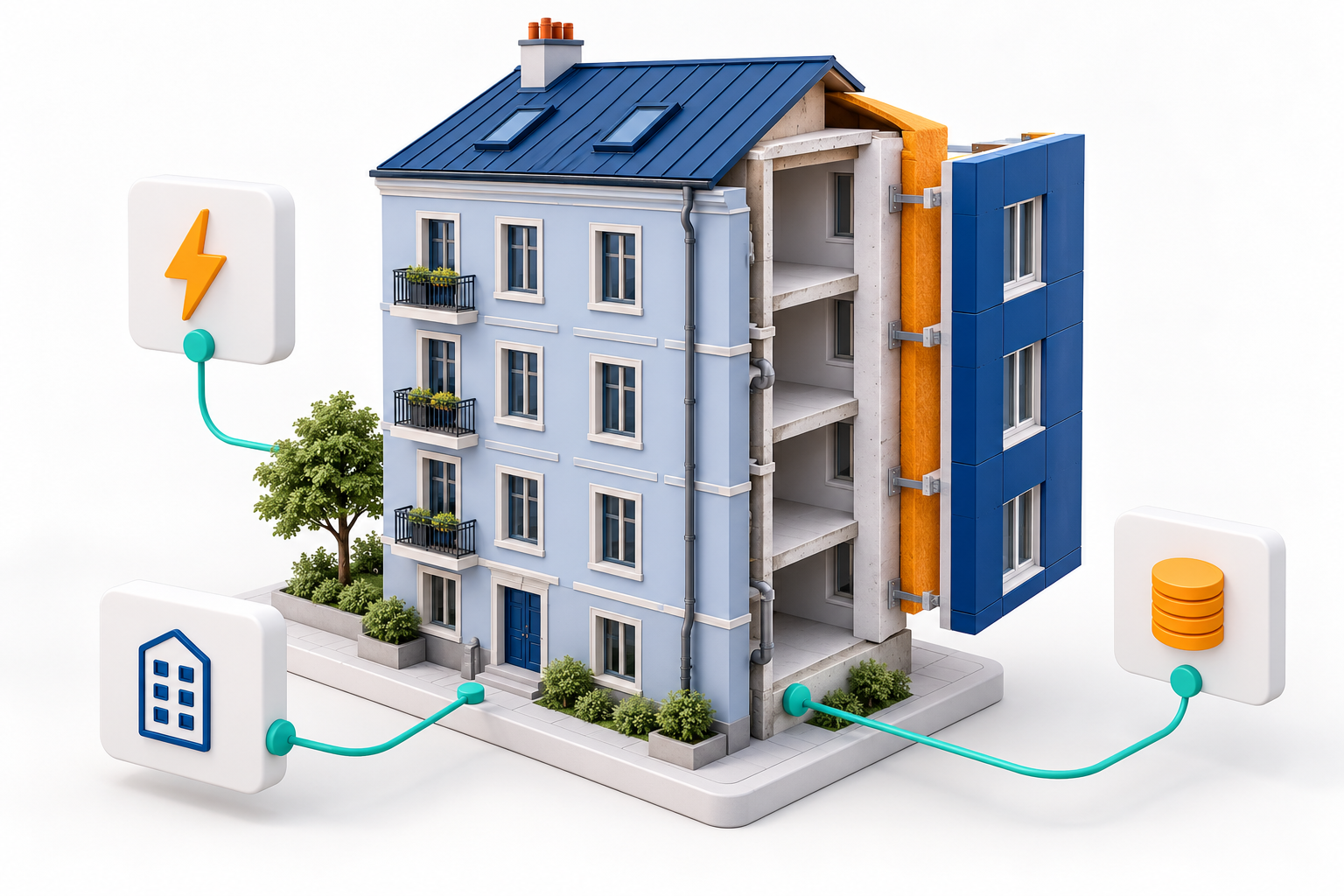
Fact. Under Article Three of the recast Energy Performance of Buildings Directive, National Building Renovation Plans replace the earlier long-term renovation strategies. The European Commission assessed the first sixteen complete draft plans on July fourteenth. Final national plans are due by December thirty-first, 2026. They must describe the building stock, targets for 2030, 2040 and 2050, planned policies, investment needs and financing sources.
Interpretation. This is not a direct BIM mandate, but renovation at this scale needs trustworthy data about building stock, energy, condition and investment. It creates an opening for BIM, GIS, digital building logbooks and reality capture when their data structures answer the indicators used for decisions.
Action. Monitor the final national plans and map asset-information fields to energy, condition, work stages, carbon and financing indicators. Do not build a digital twin whose data cannot answer the questions of the renovation programme.
Sources retained in the original edition: https://energy.ec.europa.eu/topics/energy-efficiency/energy-performance-buildings/national-building-renovation-plans_en
Analysis: migrate the chain of evidence
Today’s analysis: CDE migration is the transfer of a chain of evidence.
Legacy PlanGrid, BIM 360 Field and other CDE environments often hold much more than documents. They hold issue statuses, replies, attachments, photographs, forms, requests for information, submittals, transmittals, membership permissions and timestamps. The general availability of Autodesk Data Transitions for part of the BIM 360 estate is an important signal. Cloud platforms are beginning to offer a managed transition instead of only manual file exports.
What has actually changed? Availability and integration have changed. Historical copies of eligible projects can be imported into Forma and, where appropriate, transitioned into Forma Data Management. Handover export has also been expanded so that attachments from requests for information, forms and issues can travel with their reports. This reduces manual collection, but the official description refers to supported information, not to bit-for-bit identity or identical relationship and audit semantics.
The technology and business consequence is that migration becomes a versioned data product. The source, transition date, rules, unsupported objects and approved result must be known. An organisation can reduce the cost of maintaining legacy platforms and centralise access, but only when it defines in advance what an acceptable migration means.
Four layers matter in a CDE: content, metadata, relationships and permissions. A file may be moved but lose its link to a request for information. An issue may survive but acquire a different status or author. An attachment may be present in a package while the report link no longer opens it. A historical copy may be visible to an administrator but not to the role that needs it during a dispute or in operations.
The opportunities are real. Organisations can create a governed project-history archive, reduce dependence on ageing platforms, include evidence as well as reports in handover, standardise project creation through mandatory templates and connect Revit structure automatically to location breakdown and analytics.
The risks are equally concrete. Generally available does not mean available in every hub or subscription. Supported-data boundaries can create silent gaps. Report counts may match while links or attachments differ. A new CDE permission model may change visibility. Beta functionality should not become a mandatory production dependency without testing. If the changeover happens too early, source and target can also be edited in parallel.
A BIM manager needs migration acceptance criteria, not only an administrator’s procedure. The BEP, CDE procedure or asset handover plan should include an object-type inventory, control totals, an unsupported-data register, a permissions matrix, a freeze point and a recovery route.
For education, a useful laboratory exercise gives students a small CDE dataset containing a document, issue, request for information, photograph, attachment and status history. They must build a migration map, validate the result and explain why matching file counts do not prove information continuity.
Five practical next steps. First, inventory the source by object type, status, attachment and permission. Second, choose one completed, low-risk project for a pilot migration. Third, compare counts, metadata, relationships, dates, authors and a sample of file checksums before and after transition. Fourth, document unsupported objects, accepted losses, the approving person and the source freeze date. Fifth, keep the source copy immutable until legal, contractual and operational acceptance is complete.
Today’s conclusion: a CDE migration succeeds not when files are visible on a new platform, but when the organisation can prove that content, context, relationships, permissions and accountability history have survived.
Watch the edition: https://www.youtube.com/watch?v=sw1k8qLaDY0
Watch the original BIMETI Daily BIM Tech Brief — 11 October 2026. Archived edition; review the cited sources for details and later updates.